What is Z-Image?
Z-Image serves as the core open-source 6B image foundation model from Tongyi-MAI, acting as the base for the wider Z-Image family. It prioritizes prompt adherence, broad visual coverage, and flexible downstream fine-tuning or deployment.
What is Z-Image best for?
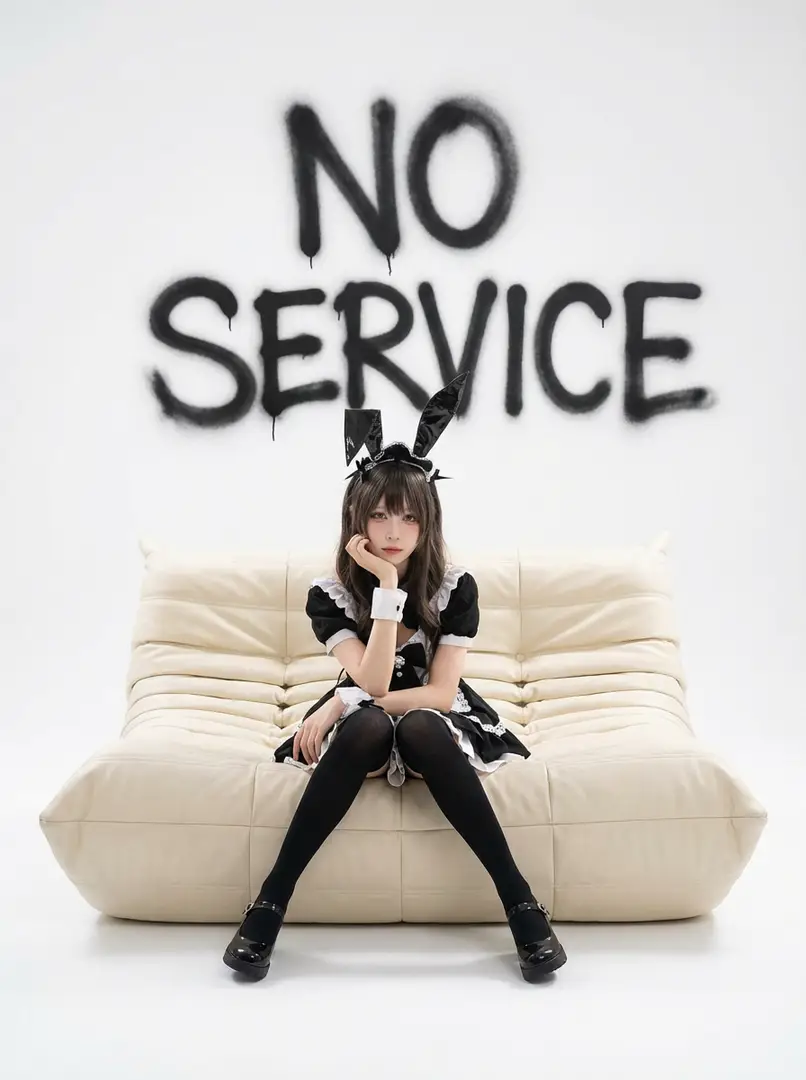
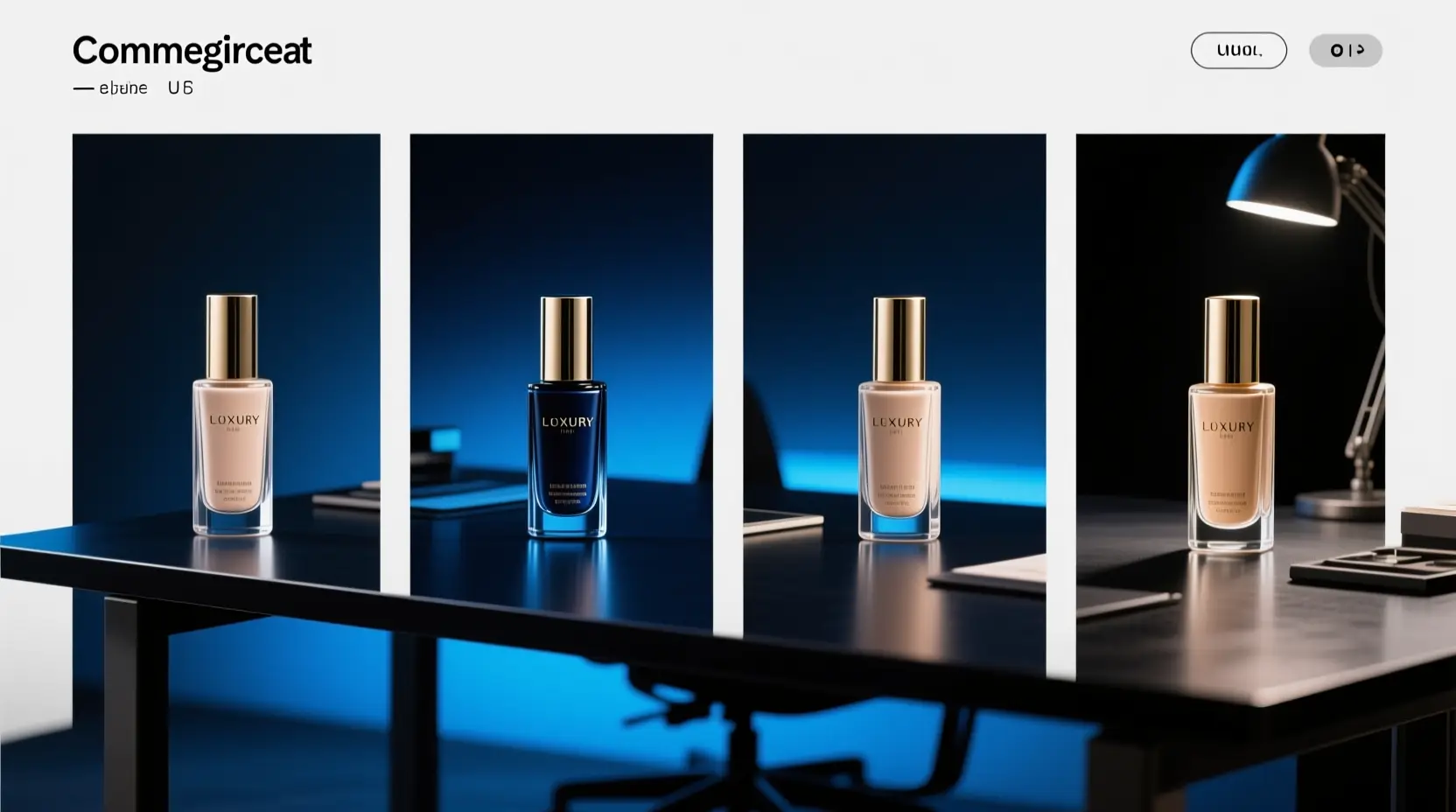
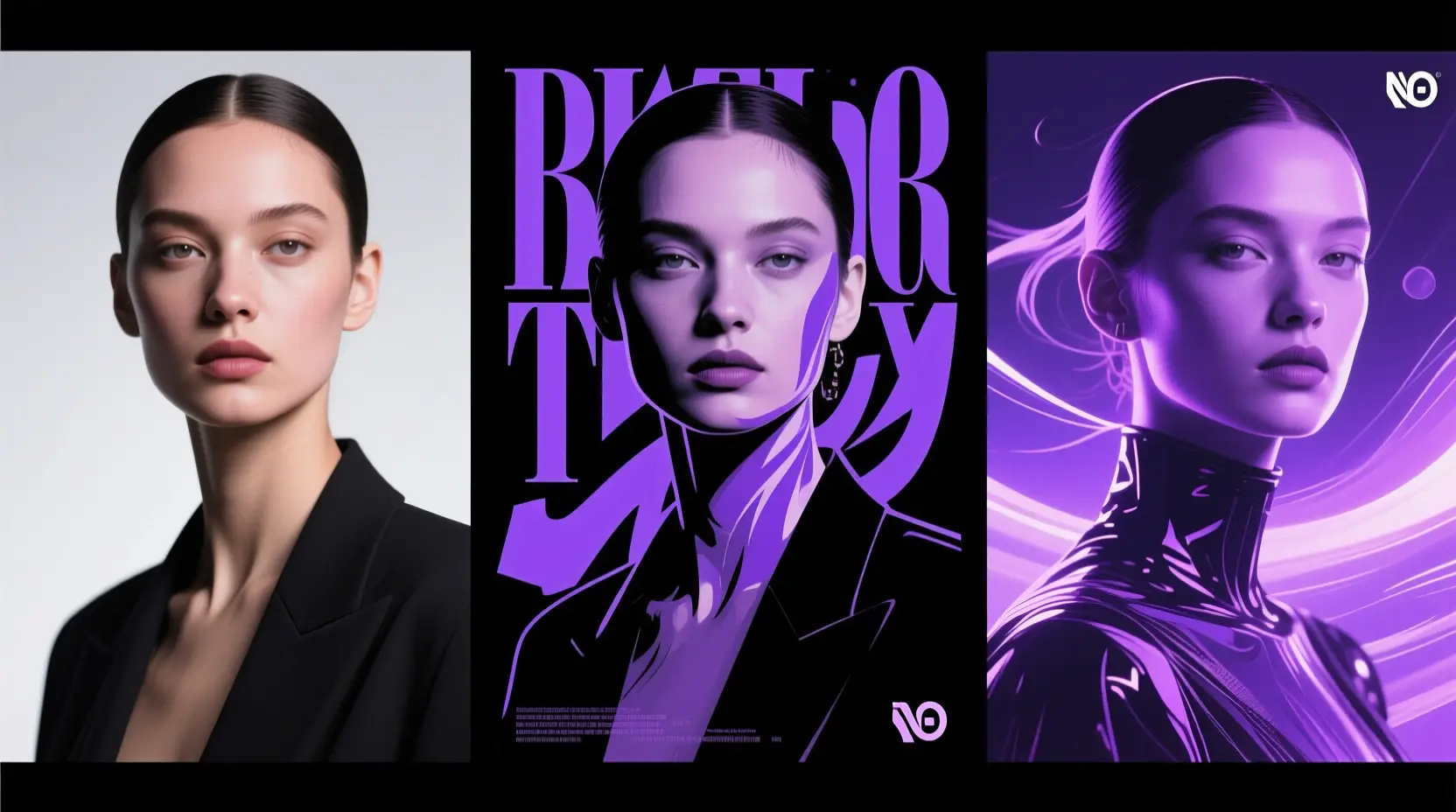
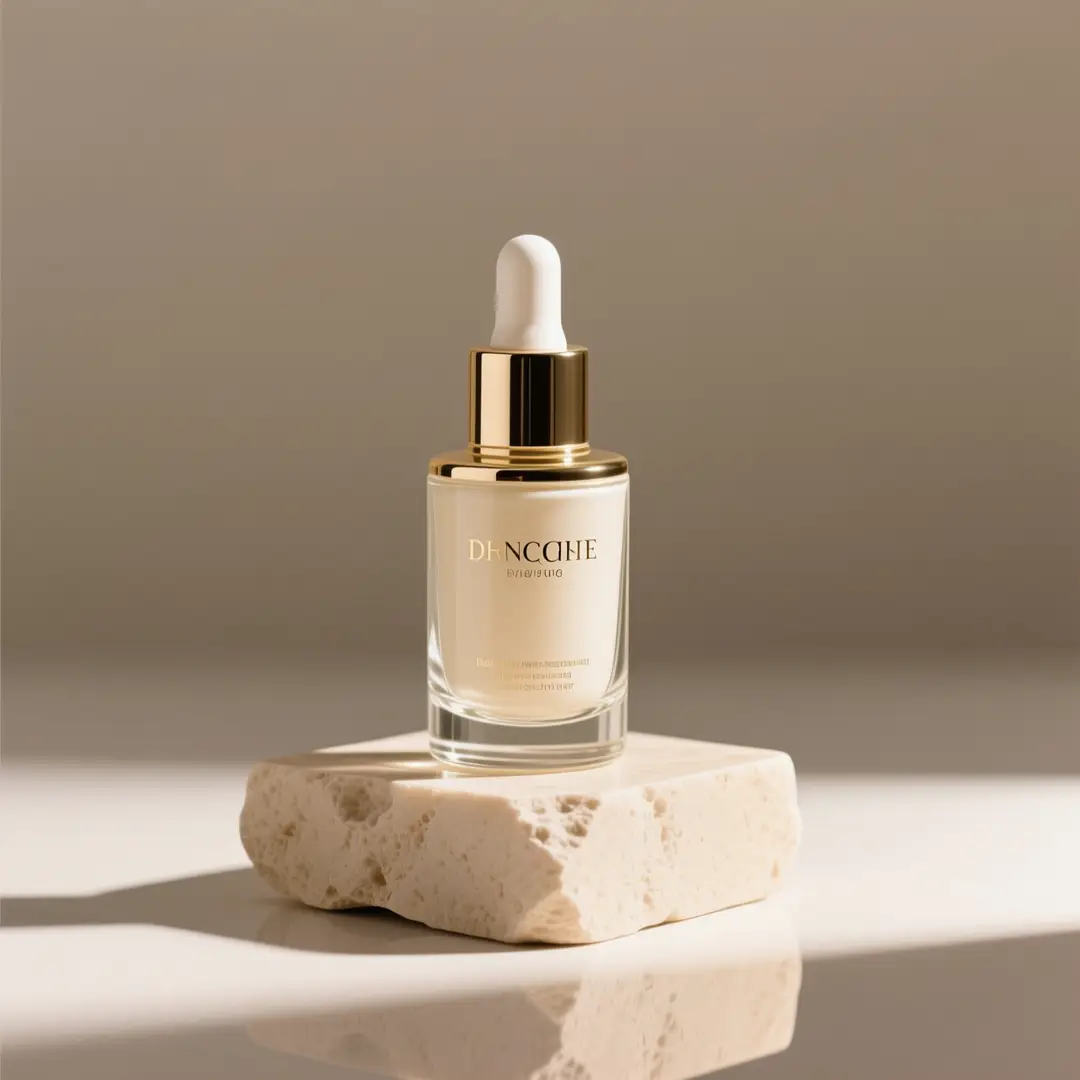
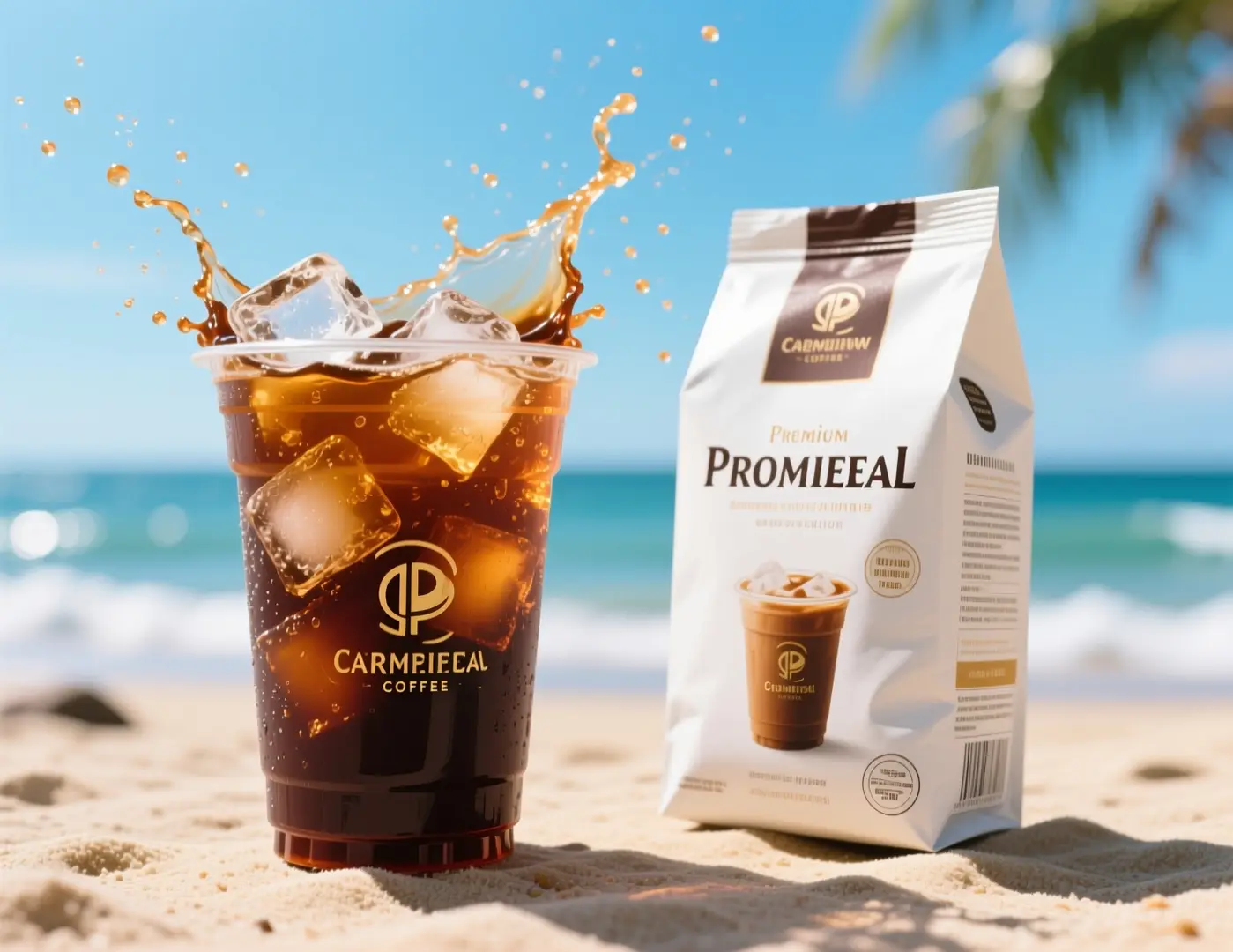
Z-Image excels at prompt-led image generation, poster concepts, product-style visuals, and workflows that can later move to ComfyUI, local runtimes, or self-hosted setups.
Does Z-Image support image-to-image here?
Absolutely. This tool supports both text-to-image and single-reference image-to-image for Z-Image. Use one reference image to lock in shape, framing, or core visual direction for your generation.
Which aspect ratios does Z-Image support here?
Z-Image supports 1:1, 4:3, 3:4, 16:9, and 9:16 on this page, covering standard square, portrait, landscape, and social-first creative aspect ratios.
How do I write better prompts for Z-Image?
Start with your subject, then add details on style, composition, lighting, materials, and required text. Z-Image performs best when you clearly separate mandatory elements from flexible ones, especially for posters, product visuals, and single-reference edits.
When should I use Z-Image instead of GPT-4o or Seedream 4?
Choose Z-Image if you want an open model you can use beyond a hosted tool, especially if prompt control or self-hosting are priorities. Opt for GPT-4o or Seedream 4 when you want their built-in style and hosted workflow without extra customization.
What is the difference between Z-Image and Z-Image-Turbo?
Z-Image is the primary foundation model for the family. Z-Image-Turbo is a distilled variant optimized for faster, lighter inference, which is why many community workflows and local deployments highlight Turbo specifically.
Can I use Z-Image images commercially?
Upstream Z-Image weights are released under Apache-2.0, but commercial use of generated assets depends on your use case, compliance standards, and applicable platform terms. Always complete standard legal and brand reviews for production work, don’t assume model output is automatically cleared.
Is Z-Image open-source and can it be self-hosted?
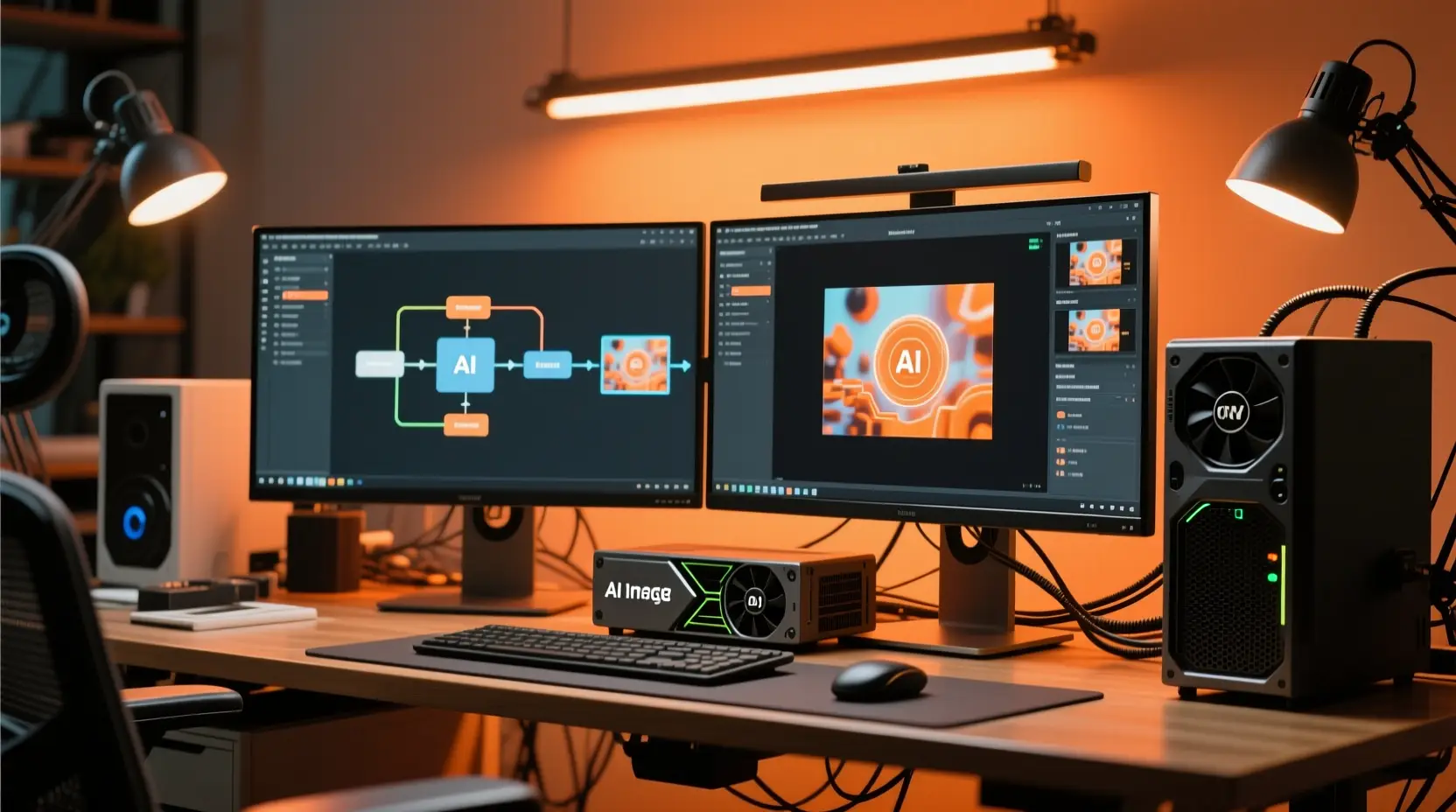
Yes. Tongyi-MAI released Z-Image upstream, and the model is already available via diffusers-based paths, local runtimes, ComfyUI tooling, and workflow packs. This makes it easier to study, deploy, and adapt than closed, hosted-only models.